 Rolling releaseSnapshot 2026.11.07
Download Zainium OS
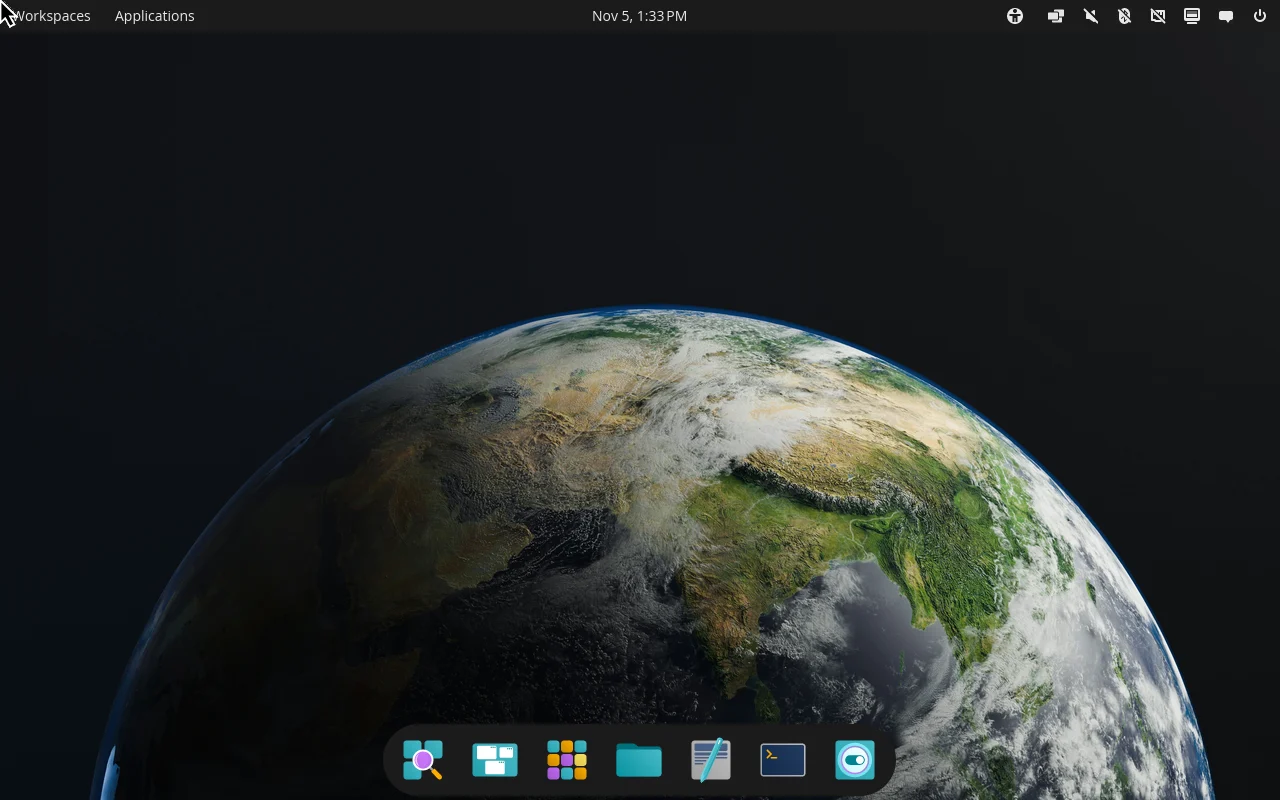
One ISO for trying and installing. It boots into the full COSMIC desktop without touching your disk, and the installer is one click away.
x86_64 · UEFI and BIOS · live desktop and installer · 2 GB
A base root cannot touch
The system is sealed while it runs, and every base file is checked by the kernel.
No /usr at the root
The OS lives in layers, so what you install never mixes with the base.
Installs without a reboot
New software appears at once. Base upgrades apply at the next boot, and a failed one is undone.
Install in four steps
Verify the download
Check the ISO against its SHA-256 checksum:
sha256sum zainium-live-<date>.iso
It should print b96f687268a7877ba9ffa4a7d25043b0708b9c21f7d88b33fe0fdb1417004245
Write it to a USB drive
Use any image writer (Fedora Media Writer, balenaEtcher, GNOME Disks), or dd. Replace /dev/sdX with your USB drive. Everything on it is erased:
sudo dd if=zainium-live-<date>.iso of=/dev/sdX bs=4M status=progress oflag=sync
Boot the live system
Start the computer from the USB drive and choose Try or Install Zainium OS. The desktop starts without a login.
If the screen locks, the user is zainium and the password is where_is_usr_bin.
Install
Open Install Zainium OS from the applications and follow the installer. After the first boot, read Getting started.
System requirements
A rolling release
Zainium OS has no version numbers. You install it once and keep it current: elevate zex update updates your software and stages the newest base, which is applied at the next boot. ISO snapshots are only a fresh starting point, named after their date.