
Docs / Getting started
Getting started
Try Zainium OS from the live ISO, install it, and take the first steps.
Try it live
The Zainium OS ISO boots into the complete COSMIC desktop without changing anything on your disk.
- Download the ISO from the download page and check its SHA-256 checksum.
- Write it to a USB drive with an image writer or
dd. - Boot from the USB drive and choose Try or Install Zainium OS in the boot menu.
The splash screen appears, and the desktop starts without a login. In the live session the base is a read-only image; software you install with zex lives in memory and is gone after a reboot.
Install
Open Install Zainium OS from the applications and follow the installer. It partitions the disk, copies the system and sets up the boot loader (Limine, on UEFI and BIOS).
First steps
Open a terminal (Super+T) and look around:
ls /                 # no /usr, /etc or /bin — the OS lives in /overlayer
ls /overlayer        # syshub, zexlib, zaisys, agents and the documentation
zex --version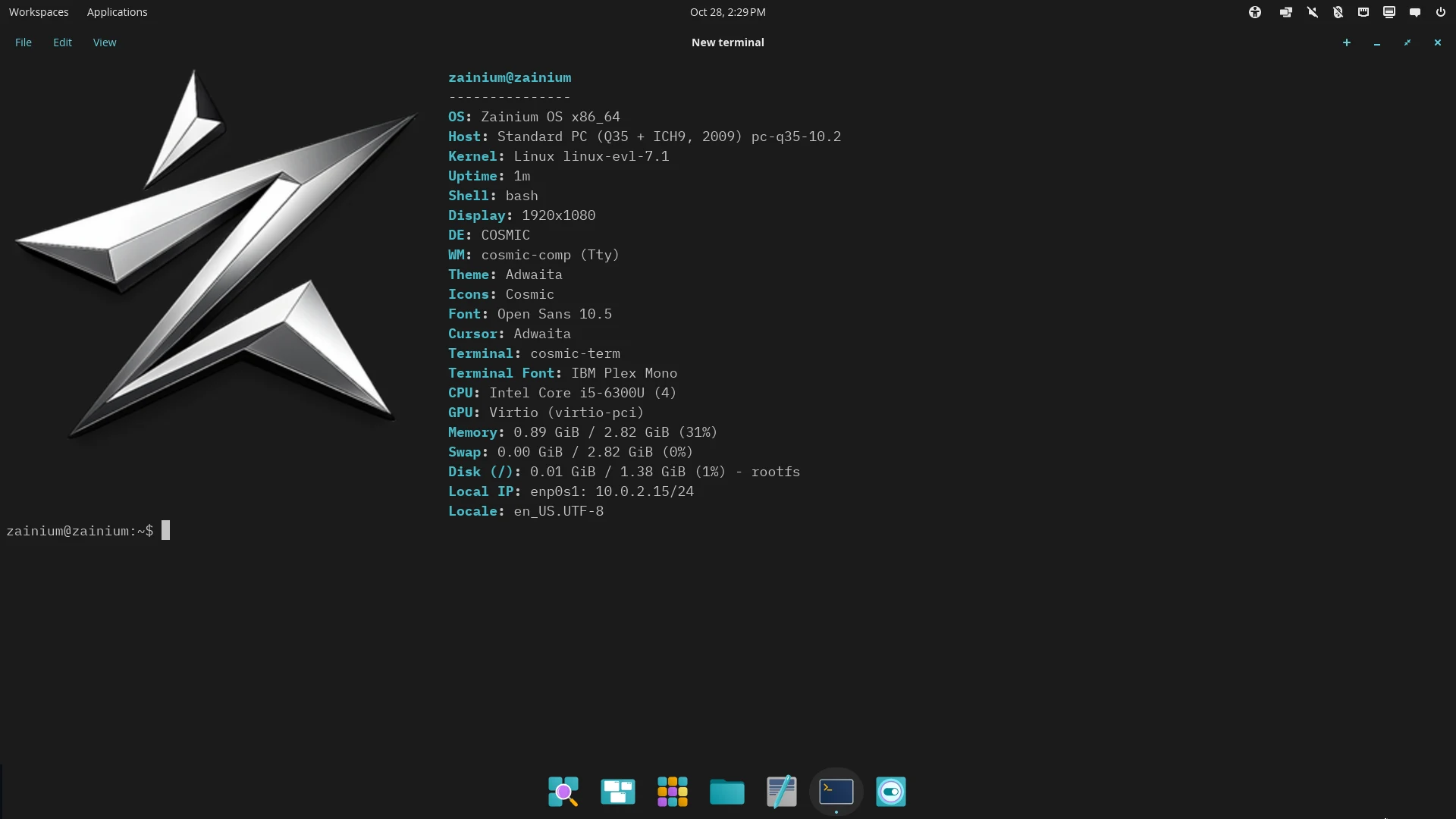
Install software with zex. Anything that changes the system runs through elevate, which replaces sudo:
elevate zex install htop
zex search ripgrep
elevate zex update       # keep the rolling release current
Read on: